AI Website Builders: What to Ask For
On this page
Building a website with AI can feel surprisingly easy. Describe your business, pick a style, and watch a homepage appear with images, service descriptions, and a contact form. What once took weeks can now take minutes to get started.
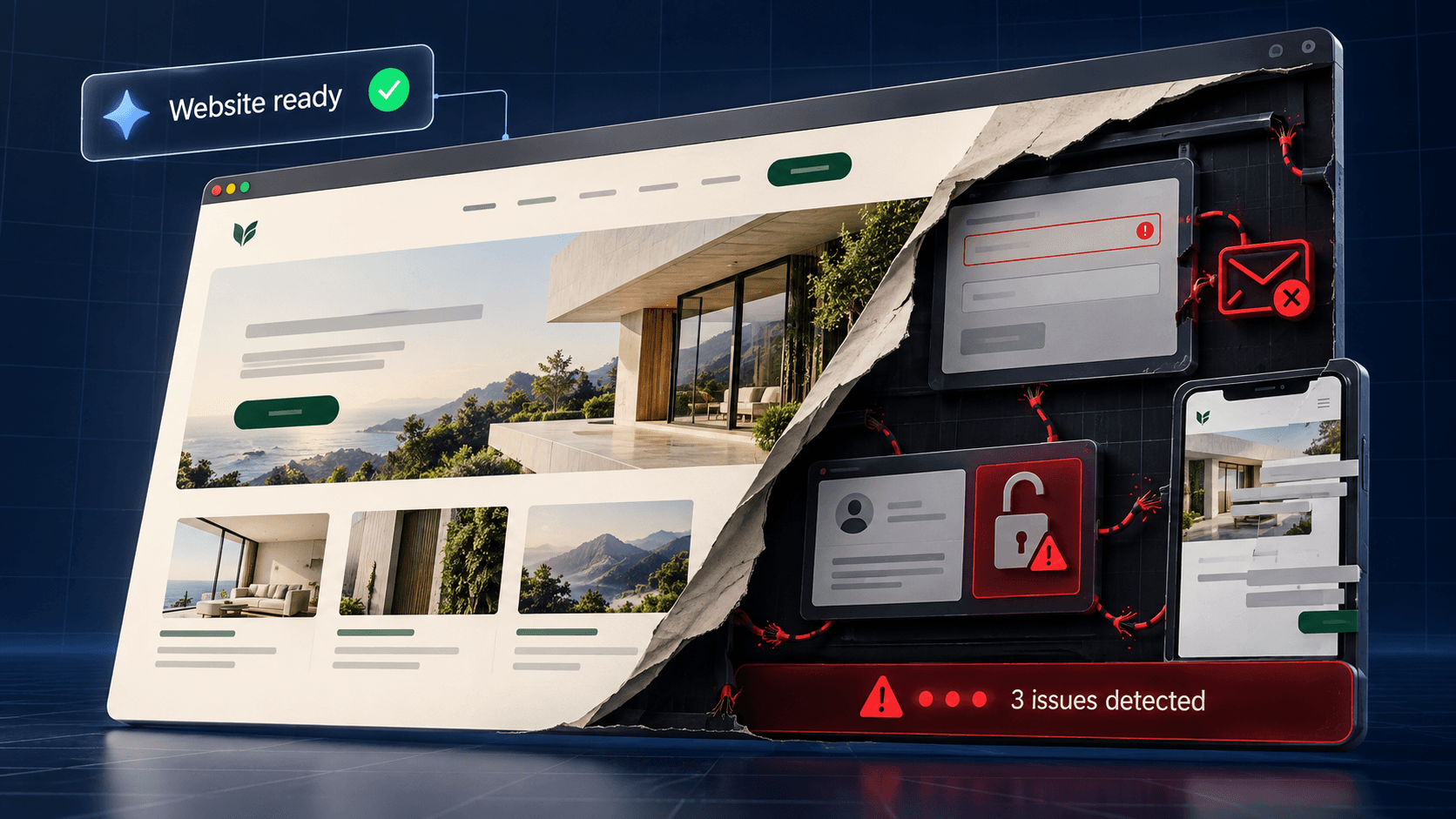
For a small business owner, that is an exciting opportunity. But a professional-looking website can hide important problems beneath the surface.
The biggest challenge is knowing what your website needs before you ask AI to build it. Without experience in design, development, and marketing, you may not recognize what is missing—or know how to check whether something works correctly.
You cannot request what you do not know you need.
A Good Prompt Starts With the Right Questions
Imagine asking AI to build a website where customers can book appointments. It creates a calendar, a service selection, and a booking button. Everything looks ready.
But can two people book the same appointment? Do different services require different amounts of time? What happens if a payment succeeds but the reservation fails? Who receives the notification?
These questions define how your business operates online. An experienced professional raises them before they become problems.
Some AI tools anticipate certain requirements and include useful protections. Others need more direction. Either way, a generated feature still needs to be evaluated against your actual business needs.
What Commonly Gets Overlooked?
Security and Customer Information
A login screen does not automatically protect the information behind it. Your website needs to verify who someone is and what they are allowed to access.
Depending on the project, that may include protecting private records, securing uploads, keeping credentials out of public code, and checking submitted information on the server. An inexperienced user may never think to request these protections because the visible interface appears to work.
A professional knows which safeguards your website needs and how to test them.
Forms That Deliver More Than a Success Message
A contact form can display “Thank you!” without successfully delivering an inquiry.
Where are submissions stored? What happens if an email fails? Is there spam protection? Can customers recover from an error without typing everything again?
For a business that relies on leads, these details matter more than the animation on the submit button. A professional tests the entire process, including failure scenarios.
Accessibility and Mobile Usability
A website may look attractive on your laptop while being difficult to use on a phone or with assistive technology.
Common issues include missing form labels, poor contrast, menus that cannot be operated with a keyboard, and floating elements that cover important buttons. On mobile, the on-screen keyboard may hide a field or make a form difficult to complete.
Asking AI to make a site “responsive and accessible” provides direction. It does not replace testing the finished experience.
SEO Beyond Adding Keywords
AI can write headings and descriptions, but search visibility requires more than mentioning your services repeatedly.
Your website needs useful content, a clear page structure, descriptive titles, and settings that allow search engines to discover the right pages. If you are replacing an existing site, old page addresses may also need redirects.
A professional connects those technical requirements with the questions your customers actually ask. The goal is to help relevant people find useful information and take the next step.
Performance, Tracking, and Ongoing Care
Large images, unnecessary scripts, and excessive effects can make a polished website frustrating to use. Meanwhile, installing analytics does not automatically tell you whether visitors are becoming customers.
Someone needs to check loading performance, define meaningful conversion events, and verify that those events are recorded correctly.
There is also the work after launch: updates, backups, integration issues, and recovery if something breaks. These responsibilities are easy to overlook when the immediate goal is getting the website online.
Which Features Do You Actually Need?
Professional guidance also helps you avoid unnecessary complexity.
A small service business may need clear information, reliable inquiries, and a straightforward way to update content. An online store introduces inventory, payments, shipping, and order management. A customer portal adds private information and user permissions.
You do not need every feature AI can generate. You need the right features for your business, implemented properly.
A good professional helps determine what belongs in the initial launch and what can wait until there is a real need.
Professionals Can Use AI, Too
AI can be a valuable tool for drafting, prototyping, and development. Hiring a professional does not mean giving up those advantages.
The difference is the experience guiding the tool. A skilled designer or developer can recognize incomplete requirements, evaluate generated work, and test whether the result meets your goals.
You are paying for those decisions, the problem-solving, and the responsibility of delivering a dependable website.
Already Started With AI? Get a Professional Review
An AI-built website does not necessarily need to be discarded. A review can identify what works, what needs improvement, and what should be addressed before customers depend on it.
At LOTUS Marketing Solutions, we help businesses turn ideas and existing websites into practical tools for attracting and serving customers. Whether you are starting fresh or improving something you built with AI, we begin with understanding what your business actually needs.
AI can help you build faster. Professional guidance helps you build with confidence.